
Operator cardComposter · Organic Waste Composter (OWC)English
Manual
Composter · Operator's manual
The operator's manual for the OWC-30 composter with inbuilt shredder. Here is what it covers, the main numbers, and the touch-screen pages explained.
What the manual covers
- What the machine is for
- Safety rules for the operator and the work area
- Technical specifications
- Startup checklist
- What to feed the machine
- Size of the machine and its parts
- Maintenance tools
- Pre-start checklist
- Standard operating procedure
- Touch-screen pages
Specifications: OWC-30 with inbuilt shredder
- Feeding capacity
- 30 kg a day
- Chamber and mixer
- Stainless steel SS 304
- Mixer speed
- 12–14 RPM
- Shredder speed
- 90 RPM
- Heating
- Insulated heating jacket, 1000 W
- Heating temperature
- 100–120 °C, with controller and moisture sensor
- Air
- Centrifugal blower, 300 cfm
- Size (L × B × H)
- 725 × 650 × 1425 mm
- Power supply
- 440 V, 3-phase, 16 A
- Power use
- 8 kWh a day
- Controls
- PLC with a touch screen (HMI)
- Volume reduction
- 55–60%
- Weight
- 205 kg (285 kg for shipping)
These numbers are for the 30 kg model. Your model is on the plate on the machine. Ask us for its numbers.
The touch-screen pages


1. Start page
- Shows the model when you switch on.
- Press and hold the green arrow to go on.
- On every page: press and hold a button.
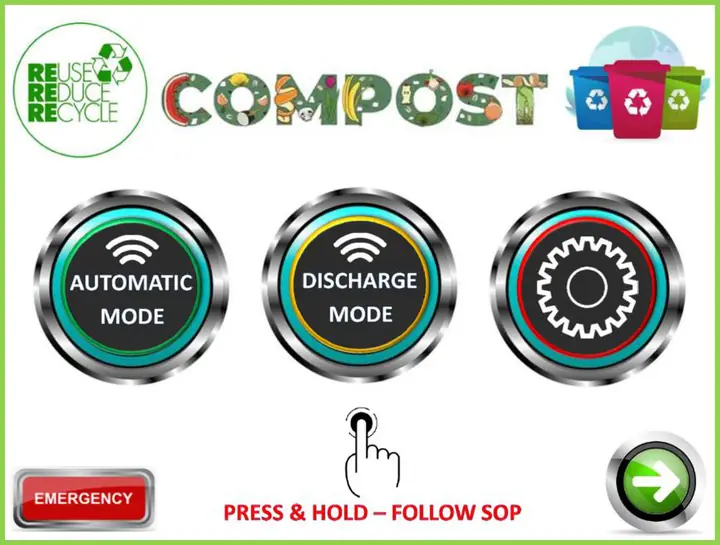
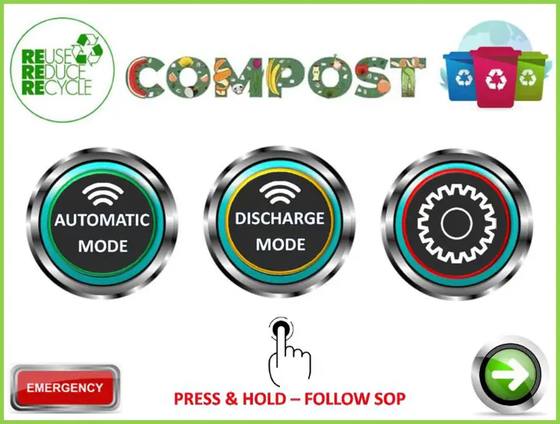
2. Operations page
- Automatic mode: starts composting.
- Discharge mode: pushes the compost out.
- Gear: settings.
- EMERGENCY: stops the machine.
- Green arrow: next page.
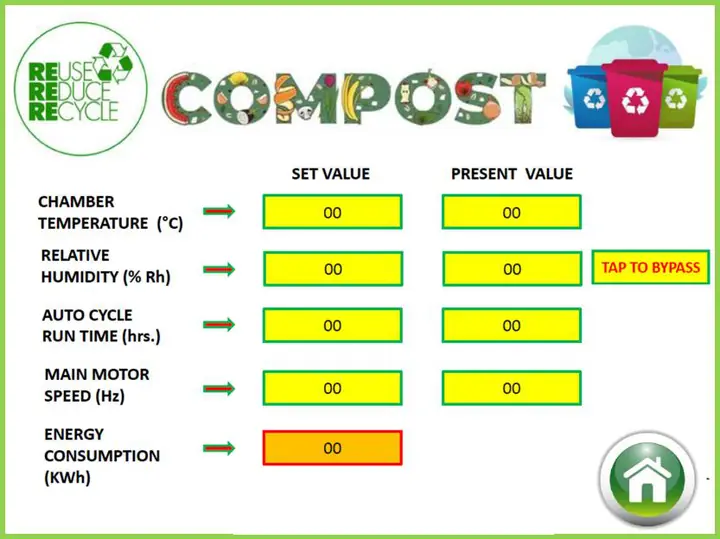
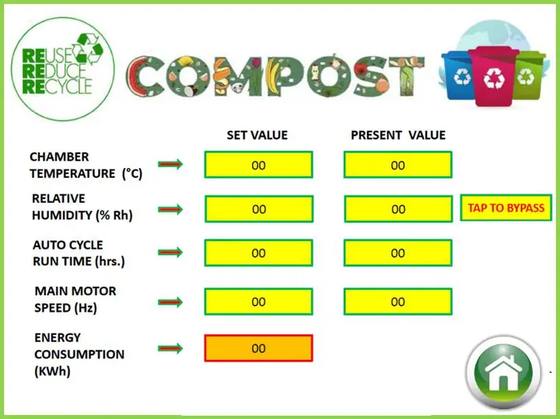
3. Settings page
- Shows temperature, humidity, run time, motor speed and power used.
- The values are already set. Do not change them unless we ask you to.
- House button: back to the start.
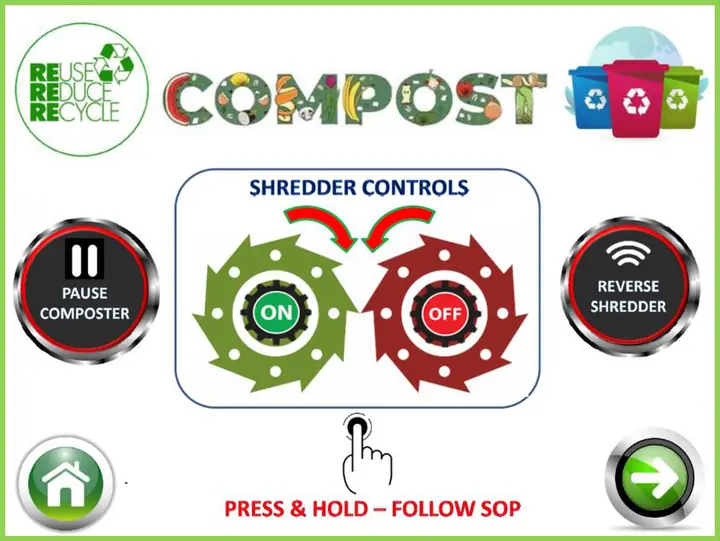
4. Shredder page
- ON and OFF: start and stop the shredder.
- Reverse shredder: clears a jam.
- Pause composter: pauses composting while you shred. Press OFF when you finish.
- Only on machines whose shredder runs from the screen.
Ask for the full manual on WhatsApp
Electrical drawings stay with our service team.
Never open the control panel or touch the wiring. If you feel an electric shock, switch off the main MCB and call us at once.